
You’re on a pole in July. The link won’t pass. Loss is 2 dB over budget. Somebody on the crew blames the cable and wants to pull it.
Stop. Check the connector first.
Contaminated connector end faces are a common cause of link problems in the field. Dust. A thumb print. Residue from a cap. That’s all it takes, and it costs you a truck roll.
Single-mode is less forgiving. The core is only about 9 microns wide, so contamination has a bigger effect on performance.
This guide covers the fiber optic cleaning kit every installer should carry, how to use it, and what else belongs in your bag. If you’re building out your list of telecommunication installation tools, start here.
What Is a Fiber Optic Cleaning Kit?
It’s a set of tools that removes dust, oil, and residue from connector end faces and adapter ports. Clean glass lets light through. Dirty glass doesn’t. No magic.
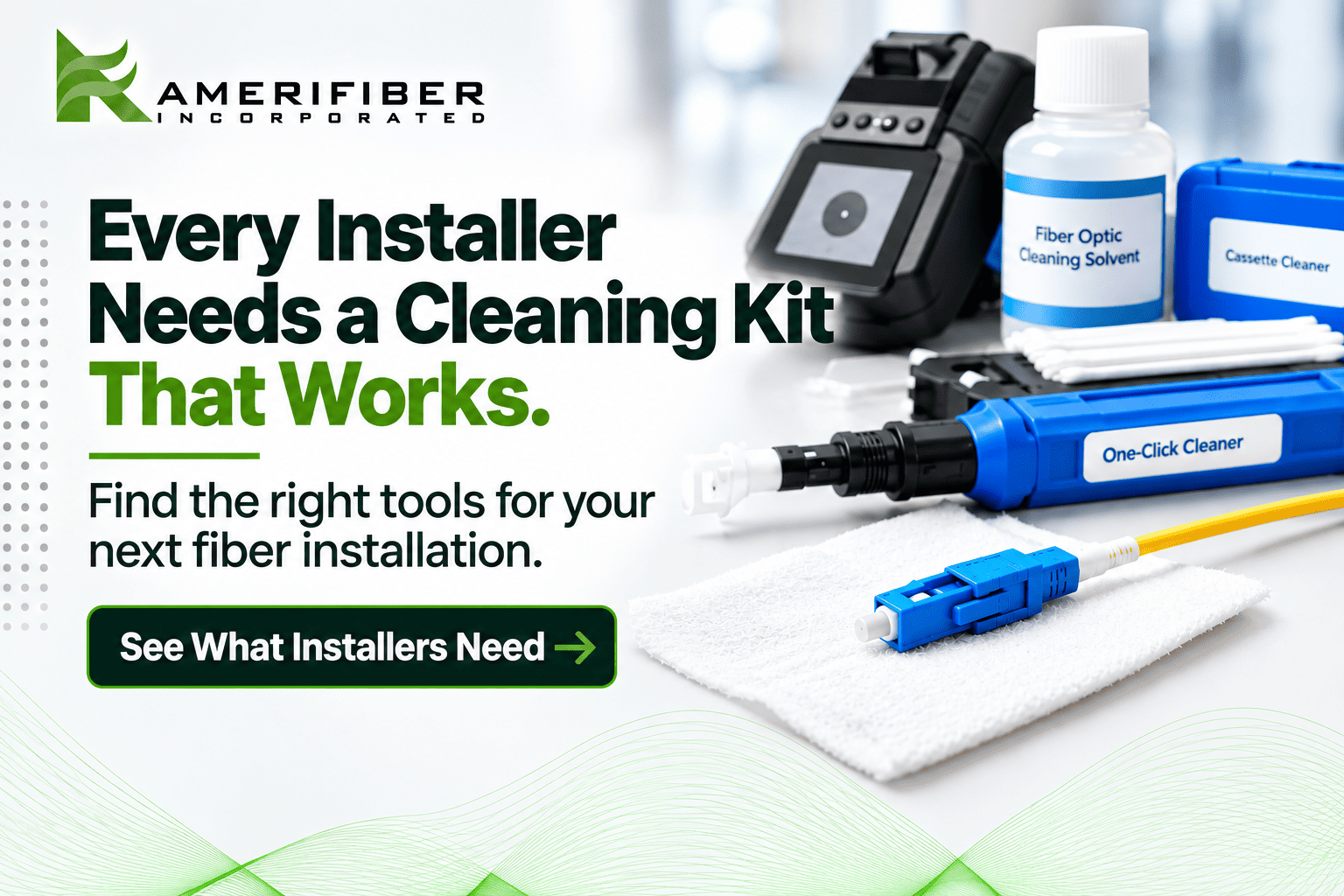
A solid field kit holds:
- A handheld inspection scope
- One-click cleaners for your connector types
- A cassette cleaner for dry cleaning
- Lint-free wipes
- Swabs sized for adapter ports
- High-purity isopropyl alcohol or a manufacturer-approved cleaning solvent
- Dust caps in every size you use
Prices vary by brand and spec, but budget roughly $75 to $200 for cleaners, wipes, swabs, and solvent. A decent inspection scope adds roughly $400 to $1,500. Don’t skip the scope. Cleaning without one is guessing.
Pack it all in a hard case, not a loose bag. Wipes and swabs rattling around a dusty truck bed pick up the same dirt you’re trying to remove. Restock on Monday, not when you run out on site.
Be careful with bargain kits from random sellers. They often ship with linty wipes, weak solvent, and no way to inspect. Buy a proper fiber optic cleaner from a supplier that stocks what your crew actually plugs in.
What Do Fiber Optic Installers Need On-Site?
Cleaning is half the bag. Here’s the full list.
Cleaning and inspection
- Inspection scope
- One-click cleaner
- Cassette cleaner
- Lint-free wipes and swabs
- Approved solvent
- Dust caps
Testing and installation
- Optical power meter and light source
- Fusion splicer and precision cleaver, if you splice
- Strippers, shears, and splice sleeves
- Spare jumpers and pigtails
- Labels and a marker that survives a hot truck
Your fiber optic installation tools get the link built. Your cleaning gear keeps it alive.
Prices vary by brand and spec. As rough market ranges:
- Power meter: $300 to $1,500
- Fusion splicer: $3,000 to $10,000 and up
- Precision cleaver: $500 to $3,000
The most common budget mistake? Buying the splicer first and the scope never. A $5,000 splicer won’t save a link with a dirty connector on the far end.
How to Use a Fiber Optic Cleaning Kit, Step by Step
Same order, every time.
- Inspect first. Use the scope to check the end face against the applicable IEC 61300-3-35 criteria. If it passes, leave it alone. Cleaning a clean connector can add dirt.
- Dry clean. Start with a compatible one-click cleaner for SC, ST, and FC connectors or a cassette cleaner, and follow the manufacturer’s instructions. Dry cleaning handles most dust.
- Wet-dry clean if needed. Oil won’t lift dry. Dampen a lint-free wipe with an approved solvent, wipe once, then follow with a dry pass right away. Wet alone leaves streaks.
- Re-inspect. Still dirty? Repeat the cleaning per the manufacturer’s instructions. If the end face is damaged or still won’t pass, replace or re-terminate the connector.
- Cap it. Cap unused connectors and adapter ports whenever they’re not in use.
Clean both sides. The adapter port gets dirty too. Match your swab to the ferrule. LC and MU use 1.25 mm. SC, ST, and FC use 2.5 mm. Wrong size, wrong clean.
Why this order? Inspecting first saves you from needless cleaning. Dry comes before wet because liquid spreads grit. Re-inspecting matters because “looks clean” lies. Your eyes can’t see what a scope can.
One-Click, Cassette, or Wipes: What Works in the Field
Three tools. Three jobs.
- One-click cleaners: Fastest for LC and SC in panels. One hand, one push. Each unit handles hundreds of cleans. Buy these first.
- Cassette cleaners: Best for high-volume patch work and loose connectors. A CLETOP cassette cleaner feeds a fresh section of tape every time.
- Wipes and swabs: Best for wet cleaning, bulkheads, and stubborn residue. Cheapest per clean. Slowest too.
Let the job decide. Running FTTH drops through a subdivision in Ohio? Click cleaners. Working a 288-port closet in a Dallas data center? Cassette plus swabs. Pick a fiber optic connector cleaner that fits your connector sizes, not the one with the flashiest box.
Rookie Mistakes That Kill a Clean Link
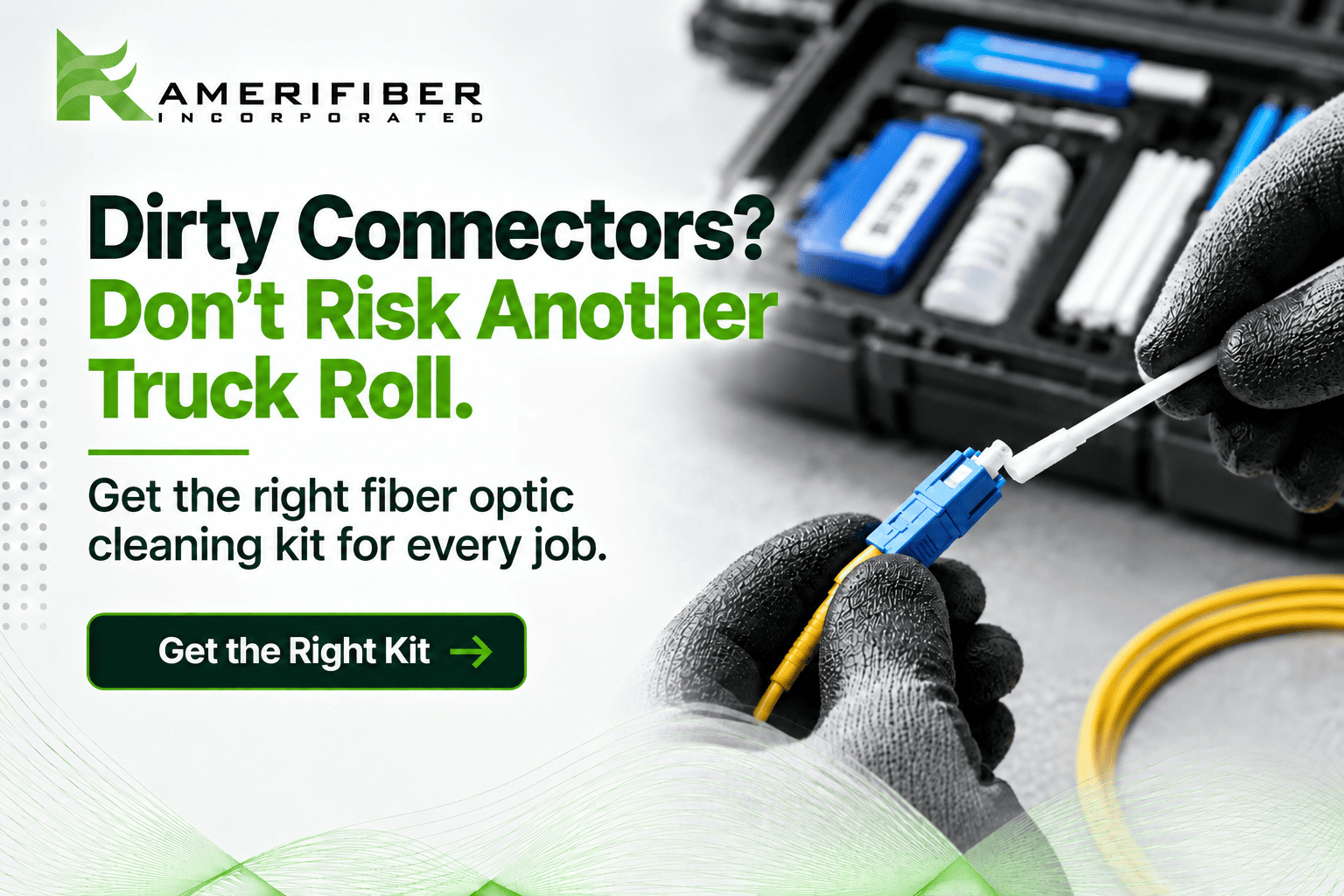
- Skipping the scope. You can’t see a speck of dust by eye. The scope can.
- Reusing wipes and swabs. You’re painting dirt back onto the glass.
- Touching the ferrule. Skin oil is one of the toughest contaminants to remove.
- Leaving caps off in the truck. Loose jumpers in a toolbox pick up everything.
- Mating APC to UPC. APC and UPC connectors use different end-face geometries and should never be mated together. Green is commonly APC and blue is commonly UPC, but check the spec instead of trusting color alone.
- Blowing on it. Your breath adds moisture and spit. Use a proper cleaner.
- Cleaning once and walking away. Every re-mate is a new chance to pick up dirt. Inspect again after any unplugging, even mid-job.
FAQs
How often should fiber optic connectors be cleaned?
Inspect every time you mate or unmate a connector. Clean only when the scope shows contamination. Even new connectors need a look before mating. Packaging protects the end face, but inspection confirms it’s ready to use.
Do I really need a cleaning kit?
Yes. Connector contamination is a common source of performance problems, and the right cleaning and inspection tools on-site prevent needless troubleshooting and repeat visits. One saved truck roll usually covers the cost of a kit.
Can I make my own fiber optic cleaning tools?
Don’t. Paper towels and shirt tails leave lint and can scratch the end face. Use lint-free wipes, correctly sized swabs, and purpose-built cleaners.
How do I choose the right fiber optic cleaning kit?
Match it to your connector types (LC, SC, ST, FC, MU), your daily volume, and your work environment. Make sure it covers inspection, dry cleaning, and wet cleaning. Skip any kit that doesn’t include a way to inspect.
Where can I buy fiber optic cleaning tools?
Buy from a supplier that also stocks the connectors and panels you install. Amerifiber carries fiber optic connector cleaning tools from AFL CLETOP and Fujikura, along with the adapters, jumpers, and splice products you’ll be connecting. One call covers the cleaners and the hardware, so nothing slows the job down.
Not Sure What Your Crew Should Be Carrying?
Talk to someone who has seen these failures up close.
Before your next job, call the Amerifiber team at 866-518-5858 or reach out here. Tell us your connector types and job volume. We’ll help you put together the right fiber optic cleaning kit setup and point you to cleaners that fit.
Fix the cause now. Not after the next truck roll.