
If you’ve ever opened up a patch panel and wondered how all those little connector ports actually stay lined up and organized, you were looking at fiber optic adapter plates. They’re not glamorous. Nobody brags about them at a trade show. But get the wrong one, or skip understanding what they actually do, and your panel build turns into a mess of mismatched ports and wasted rack space.
This isn’t a theory lesson. It’s what you need to know before you spec, order, or install one.
What Is a Fiber Optic Adapter Plate?
A fiber optic adapter plate is a small metal or plastic bracket that holds a row of fiber adapters and mounts into a patch panel, wall plate, or enclosure.
Here’s the distinction people mix up constantly: the adapter is the little sleeve that joins two connectors together, LC to LC, SC to SC, whatever. The adapter plate is the frame that holds a cluster of those adapters and snaps into your panel.
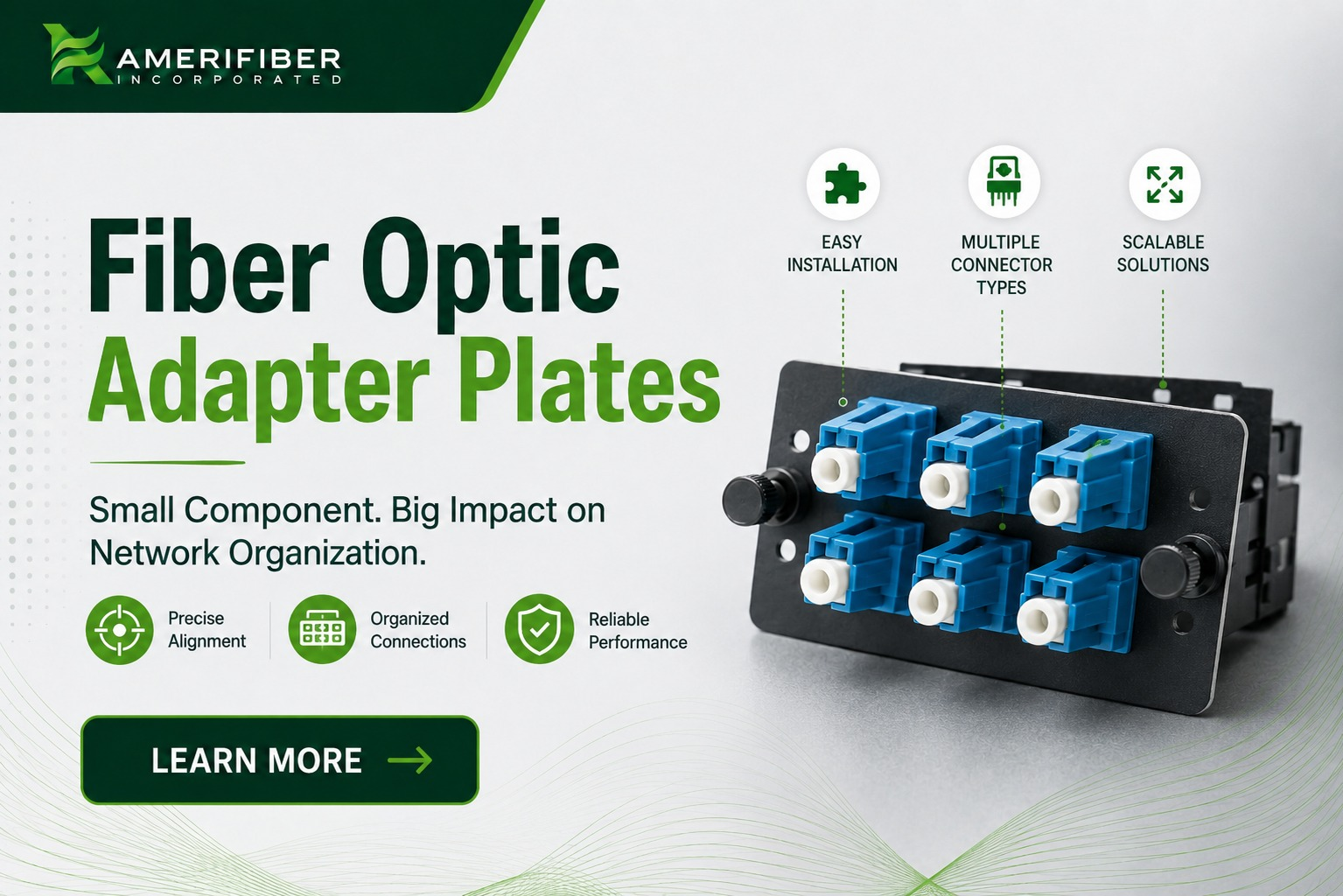
Think of it this way. The adapter is the connection point. The plate is the organized housing that lets you mount a bunch of connection points in one clean row on the front of your panel.
Without adapter plates, you’d be stuck trying to hard-mount individual adapters into a panel face one at a time. Nobody has time for that, and it wouldn’t hold up structurally anyway.
How Fiber Optic Adapter Plates Actually Work
The mechanics are simple, but the precision matters more than people think.
Each plate has a set number of ports, usually 4, 6, or 12, depending on the density you need. The adapters snap into those ports from the back. Once seated, the plate itself mounts into the panel using a standard clip or screw system, depending on the manufacturer.
The job of the plate is to:
- Hold the adapters in a fixed, aligned position
- Keep the connector interface flush with the panel face for easy patching
- Let you swap out adapter types without replacing the whole panel
That last point is the real value. If your network shifts from ST to LC five years down the line, you don’t need to gut the entire patch panel. You pull the plate, swap the adapters, and you’re back in business. That’s a lot cheaper than a full panel replacement.
The Main Types of Fiber Optic Adapter Plates (SC, LC, ST, MPO)
Not all plates are built for the same connector style. Here’s what you’ll run into most often:
- SC adapter plates – older but still common in legacy installs. Bigger footprint, snap-in connector style.
- LC adapter plates – the current standard in most new builds. Smaller form factor means higher port density in the same panel space.
- ST adapter plates – bayonet-style connectors, mostly seen in older installs and some specific industrial or military applications.
- MPO adapter plates – built for high-density, multi-fiber connections. Common in data centers running 40G/100G+ where you need a lot of fiber packed into a small footprint.
If you’re doing a fresh build in 2026, LC and MPO are where most new installs land. SC and ST mostly show up when you’re extending or repairing an existing legacy network.
Fiber Adapter Plate Compatibility: Singlemode vs Multimode
This is where a lot of buyers get tripped up, and it’s a mistake that costs real money.
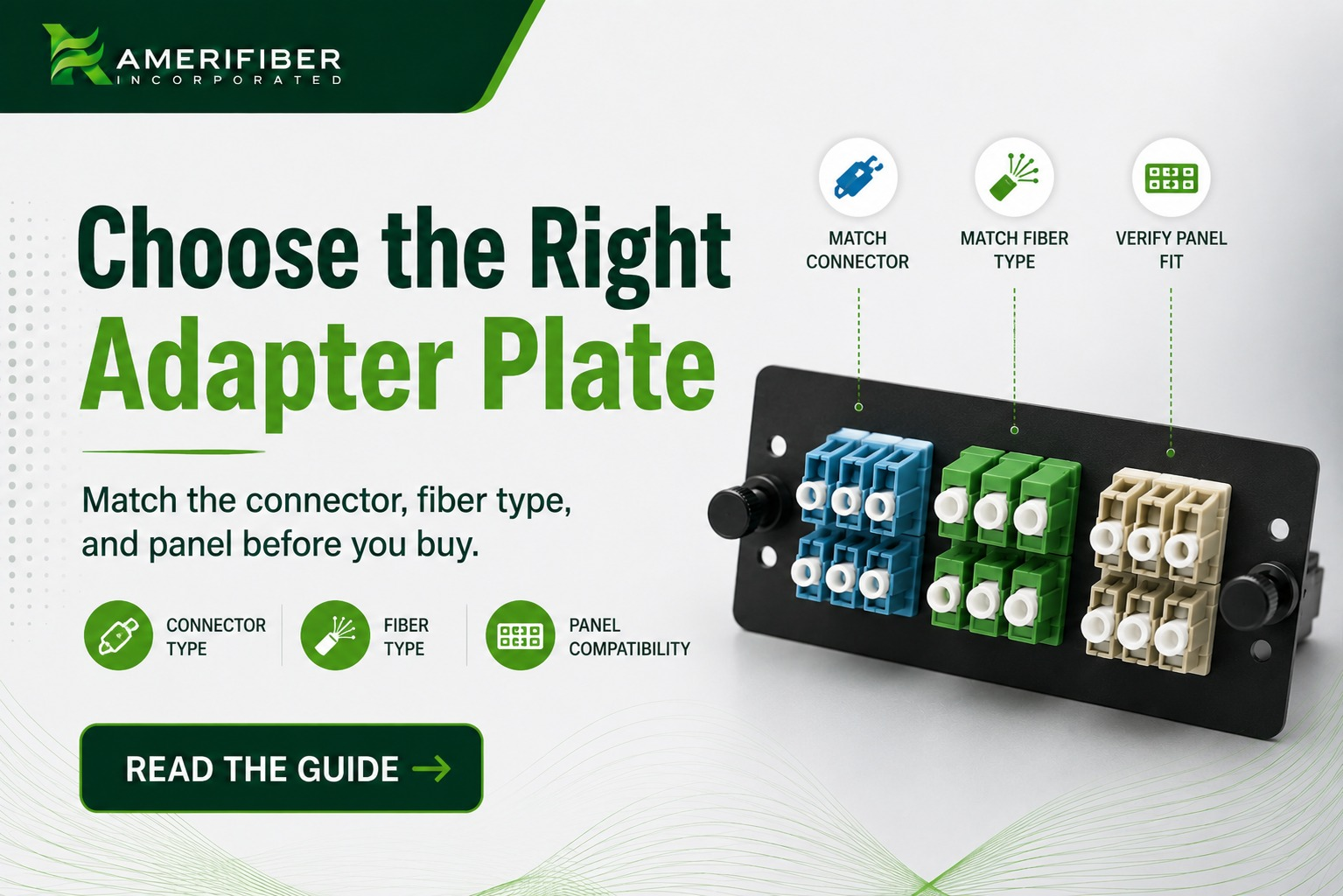
Singlemode and multimode adapter plates are not interchangeable, even if the connector style looks identical on the shelf. Here’s why:
- Singlemode adapter plates are built for the tighter alignment tolerances that singlemode fiber requires. Singlemode uses a much smaller core, so even minor misalignment causes real signal loss.
- Multimode adapter plates are built with slightly different internal tolerances suited to the larger multimode core.
- Color coding usually gives it away. Blue typically signals singlemode (UPC), green signals APC, and beige or black usually signals multimode. But don’t rely on color alone. Check the actual spec sheet.
Fiber adapter plate compatibility isn’t just about matching the connector shape. You need the plate rated for the same fiber type running through your network. Mix a multimode adapter plate into a singlemode run, and you’ll get signal degradation that’s maddening to troubleshoot because everything looks physically fine.
Rookie Mistakes That Cost You a Truck Roll
Most problems with fiber optic adapter plates aren’t the product’s fault. They’re buying and installation mistakes.
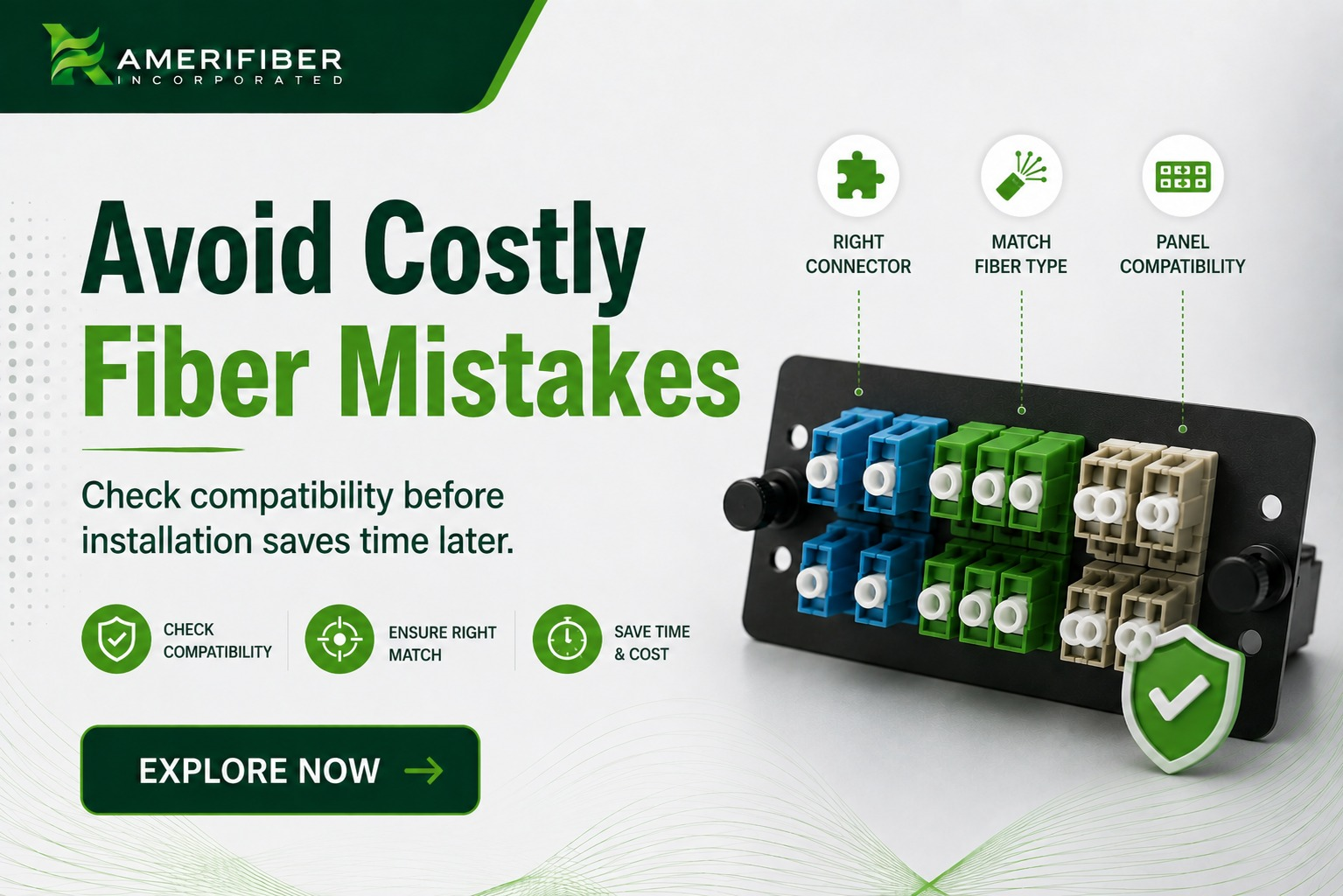
Here’s what shows up in the field constantly:
Buying based on connector shape alone
A tech grabs an LC plate without checking singlemode and multimode compatibility. Everything fits physically. Performance tanks. Now you’re pulling the panel apart to figure out why.
Ignoring port density needs
Buying a 6-port plate because that’s what fits today, with zero room for network growth. Two years later you’re swapping the whole plate out for a 12-port version. That’s downtime and labor that didn’t need to happen.
Mixing plate brands without checking mount compatibility
Not every plate fits every panel. Mounting clips and dimensions vary by manufacturer. Assuming they’re universal is how you end up with a plate that doesn’t seat right, which stresses the connectors over time.
Skipping dust caps during storage or install
Adapter ports left uncapped collect dust and debris before the fiber ever gets connected. That debris causes signal loss the moment you patch in. A two-second cap costs nothing. Cleaning contaminated ferrules later costs a lot more.
When You Actually Need One
Real scenarios where fiber optic adapter plates come into play:
- Data center panel refresh – upgrading from SC to LC to increase port density without replacing the whole rack.
- New ISP or enterprise build – populating fresh patch panels with the right connector and fiber type from day one.
- OSP enclosure builds – adapter plates also live inside outdoor enclosures where connections need to stay organized and protected from the elements.
- Network connector standardization – consolidating a mixed-connector environment down to one standard across a facility.
What to Check Before You Order
- Connector type – LC, SC, ST, or MPO, matched to your actual network standard, not just what’s in stock.
- Fiber type – singlemode or multimode, confirmed against your existing cable plant.
- Port count – buy with growth room, not just today’s need.
- Mount compatibility – confirm it fits your specific panel brand and model before ordering in bulk.
- UPC vs APC – if you’re running singlemode, confirm polish type. Mixing UPC and APC in the same run causes reflectance issues.
FAQ
What’s the difference between a fiber optic adapter and an adapter plate?
The adapter is the small coupler that joins two fiber connectors together. The adapter plate is the mounting bracket that holds a group of those adapters and snaps into a patch panel or enclosure.
Can I mix singlemode and multimode adapters on the same plate?
No. Stick to one fiber type per plate to avoid signal loss and alignment issues. If you need both, use separate plates within the same panel.
How many ports does a typical fiber optic adapter plate have?
Most standard plates come in 4, 6, or 12-port configurations. Higher density MPO plates can support more fiber per plate depending on the connector style.
Do adapter plates work with any patch panel?
Not always. Mounting styles vary by manufacturer, so confirm plate-to-panel compatibility before ordering, especially for bulk purchases.
Bottom Line
Fiber optic adapter plates aren’t complicated once you know what they’re actually doing: holding your adapters organized, aligned, and mounted correctly in your panel. The mistakes that cost money almost always come down to skipping the compatibility check between plate, adapter, and fiber type.
Get the spec right before you order and you’ll never think about this part of your network again, which is exactly how it should be.
If you’re specifying adapter plates for a build and want to make sure you’re getting the right connector type, fiber type, and port density for your actual network, contact Amerifiber. One conversation now saves you a panel teardown later.