
Choosing the right fiber optic patch panel is one of the most important decisions you’ll make when building or upgrading a fiber network. A well-designed patch panel doesn’t just organize cables — it protects your connections, improves signal performance, and makes maintenance faster and easier.
With so many options available, it helps to know what matters most before you buy. In this guide, we’ll walk through the key factors to consider — from port density and connector types to mounting styles and build quality — and highlight a few Amerifiber patch panels worth a closer look.
By the end, you’ll have a clear idea of which patch panel fits your network needs and how to choose one that keeps your system efficient, scalable, and easy to manage.
What Is a Fiber Optic Patch Panel?
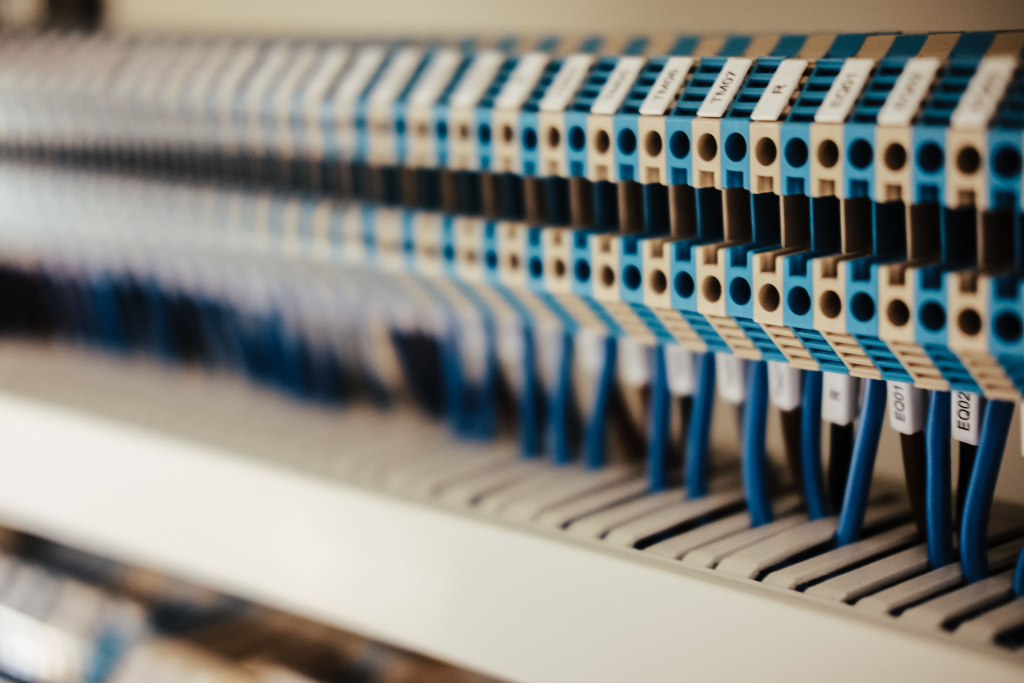
A fiber optic patch panel is a central hub where incoming and outgoing fiber cables connect, organize, and route signals across your network. It provides a structured interface between your equipment and your cabling — allowing quick changes, easy troubleshooting, and safer cable management.
Patch panels are used in data centers, telecom closets, enterprise networks, and fiber distribution systems. They keep cables neatly arranged, protect delicate fibers from strain, and make future expansions or repairs simple.
In short, a patch panel helps your network stay:
- Organized, by keeping cables labeled and accessible.
- Efficient, by reducing signal interference or loss.
- Scalable, by making it easier to add new lines or equipment as your network grows.
At Amerifiber, you’ll find panels built for reliability and performance — whether you’re managing a small office setup or a large-scale backbone system.
Key Features to Evaluate
Not all fiber patch panels are the same. The right choice depends on your network’s layout, the type of connections you use, and how much flexibility you need for future growth. Here are the main features to look for before purchasing:
1. Port count and density
Patch panels come in a range of sizes — from 12-port wall units to 48-port rack-mount enclosures and beyond. A higher port count supports more connections in the same space, which is ideal for growing networks. Choose a panel with enough capacity for your current setup and some room to expand.
2. Connector type
The connector type determines which cables will fit your panel. The most common are LC, SC, and MPO/MTP connectors.
- LC: compact and ideal for high-density environments.
- SC: larger, push-pull style connectors used in many legacy systems.
- MPO/MTP: multi-fiber connectors designed for parallel optics and high-speed data transmission.
Amerifiber offers panels compatible with all major connector types, making it easier to match your existing hardware.
3. Mounting style
Decide between rack-mount, wall-mount, or desktop panels based on your installation site:
- Rack-mount panels work best for structured server rooms or data centers.
- Wall-mount panels are perfect for smaller spaces or telecom closets.
- Desktop units suit light-duty or lab environments.
4. Splice capacity and versatility
Some panels combine patching and splicing functions, giving you flexibility in how fibers are terminated. For example, Amerifiber’s AFRM4R-12 rack-mount panel supports up to 144 splices, ideal for hybrid setups that need both patch and splice options.
5. Cable management and durability
Look for panels with built-in routing guides, labeling areas, and strain-relief features to protect fibers. A sturdy, powder-coated steel construction ensures longevity and reliable protection.
6. Accessibility and organization
Front-access designs and removable trays make maintenance faster. Clear labeling helps technicians work efficiently without disrupting other connections.
By comparing these features, you’ll be able to choose a patch panel that fits your current infrastructure and prepares your network for future upgrades.
How to Match the Panel to Your Network Needs
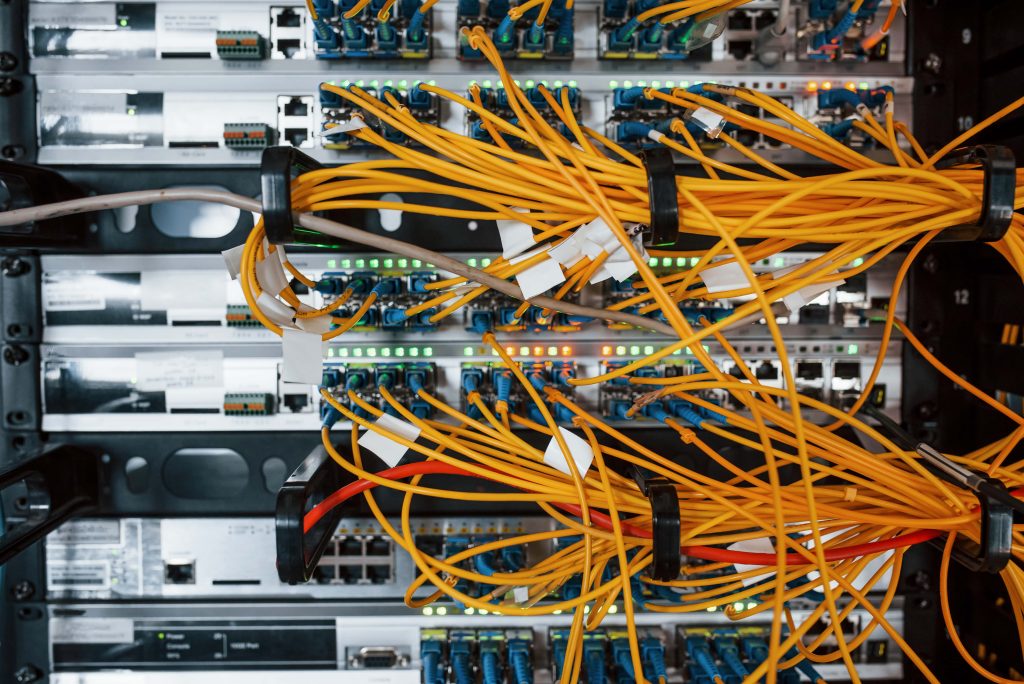
Once you understand the features, the next step is choosing a patch panel that fits your actual network environment. A panel that works perfectly in a small office won’t necessarily meet the needs of a large data center — so planning around your current setup and future goals is key.
1. Determine your current and future port requirements
Count your active connections today and estimate how many you’ll need in the next few years. If your business is expanding or your data load is growing, opt for a higher-density panel to save time and space later. For example, Amerifiber’s 48-port LC patch panels provide excellent scalability without requiring a full rack upgrade.
2. Consider the installation environment
- Indoor deployments usually benefit from rack-mounted or wall-mounted enclosures that integrate neatly into server rooms.
- Outdoor or OSP environments need weatherproof panels that protect against moisture and temperature changes.
Amerifiber provides rack-mount and wall-mount options designed for both telecom and enterprise use, ensuring that each panel meets industry standards for reliability.
3. Match connector types with existing equipment
Before buying, check which connectors your transceivers or network gear use. For example, LC connectors are popular for high-density systems, while SC connectors may still be common in legacy networks.
4. Plan for maintenance and upgrades
Choose a panel with front-accessibility, removable trays, or swing-out doors if your team frequently adjusts connections. These small conveniences reduce downtime and make scaling up much simpler.
5. Balance performance and cost
It’s tempting to pick the most affordable option, but cheaper panels can lead to signal degradation or mechanical wear. A high-quality product like Amerifiber’s AFRM4R series provides both performance and long-term value — especially in enterprise-grade installations.
By assessing your setup’s capacity, environment, and growth potential, you’ll find a patch panel that fits your network today and keeps it future-ready.
Amerifiber’s Patch Panel Options (and Why They Stand Out)
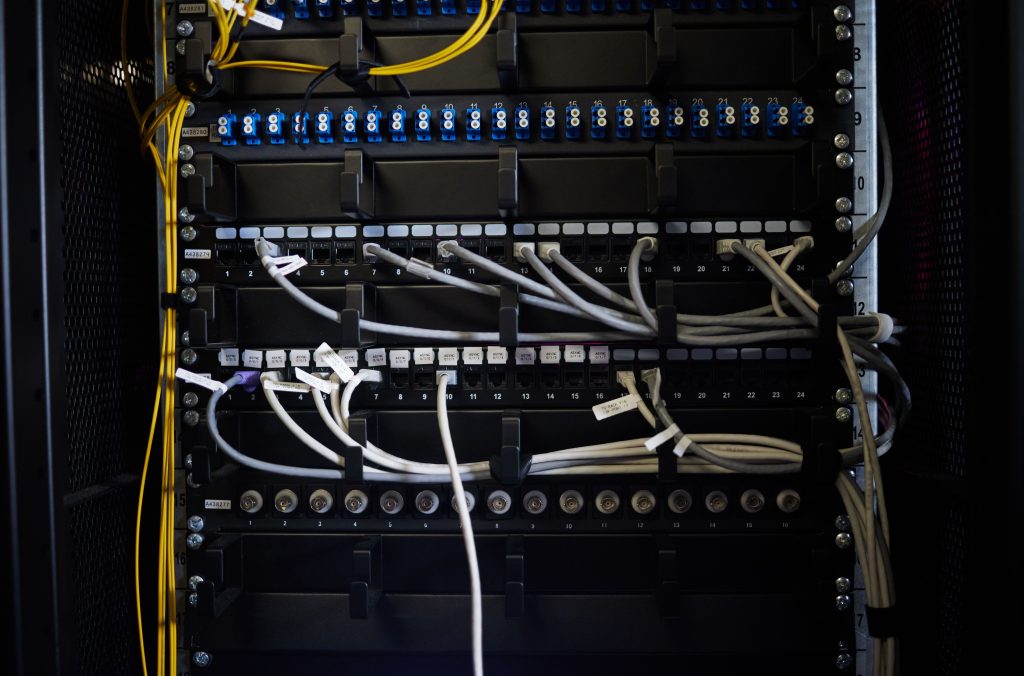
When you’re ready to choose a patch panel, the difference between a good one and a great one comes down to build quality, flexibility, and how well it fits your needs. At Amerifiber, you’ll find options that cover everything from simple closet deployments to high-density rack systems, all backed by U.S. manufacturing and industry expertise.
What makes Amerifiber’s offerings stand out:
- U.S. manufacturing and quality assurance.
- Large catalog of fiber panels, enclosures, and custom-build options so you’re not locked into one “one-size-fits-all” product.
- Panel designs that support both patching and splicing in the same enclosure (for example the AFRM4R-12 series supports heavy terminations).
- Flexible mounting styles (rack, wall, desktop) so you can pick what fits your physical space best.
When it’s time to buy, match your needs with one of these options. Start by estimating your number of ports and connector types, then pick a panel from Amerifiber that offers slightly more capacity for growth. That way, you’re set for today… and ready for tomorrow.
Installation and Maintenance Considerations
Choosing the right fiber patch panel is only half the equation — proper installation and upkeep ensure that your network performs at its best. Whether you’re setting up a small rack or managing hundreds of connections, a well-organized layout can save hours of maintenance time later on.
1. Plan your mounting space
Confirm your available rack units or wall space before installation. Amerifiber offers both rack-mount and wall-mount enclosures, allowing you to tailor the setup to your environment. Rack-mount models work best in server rooms, while wall-mount versions are ideal for compact telecom closets or entry points.
2. Manage cables carefully
Route fibers with wide, gradual bends to protect against signal loss. Use built-in cable guides or strain-relief bars when available — features Amerifiber designs into many of its panels to prevent damage and maintain proper bend radius.
3. Label every connection
A clear labeling system simplifies maintenance and troubleshooting. Many Amerifiber panels include labeling space or slide-in ID plates to make this step easy.
4. Keep connectors clean
Even a small speck of dust can interfere with optical performance. Always clean connectors before plugging them in and use dust caps when ports aren’t in use.
5. Schedule periodic inspections
Regularly check patch cords, fiber adapters, and internal splices for wear or slack. A quick quarterly inspection helps prevent costly downtime and keeps your system performing efficiently.
When properly installed and maintained, a quality patch panel like those from Amerifiber provides years of stable, high-speed connectivity with far less effort than a poorly organized setup.
Quick Comparison Table
When choosing between fiber patch panels, it helps to see how key features line up. Use this quick reference to match your priorities — whether it’s density, accessibility, or flexibility — with the right Amerifiber solution.
| Feature | Why It Matters | Recommended Amerifiber Option |
|---|---|---|
| Port Density | Determines how many connections fit into your rack or wall space. | AFRM4R-12 Rack-Mount Panel: supports high-density configurations up to 144 fibers. |
| Connector Type | Must match your network’s existing LC, SC, or MPO cables. | Review our listings for customizable items. |
| Mounting Style | Ensures the panel fits your physical layout and workflow. | Ensures the panel fits your physical layout and workflow. Rack-mount panels for data centers; wall-mount panels for compact or entry-point setups. |
| Splice Capacity | Important if you plan to combine splicing and patching in one enclosure. | AFRM4R Series: supports both splicing and patching with internal trays. |
| Accessibility | Slide-out trays and front access make maintenance faster. | Swing-out rack models, ideal for active environments with frequent changes. |
| Durability | High-quality construction protects fibers and reduces signal loss. | Powder-coated steel designs across Amerifiber’s entire panel lineup. |
Each Amerifiber panel is built to deliver strong performance and long-term dependability, whether you’re managing a few lines or an enterprise-grade backbone.
Frequently Asked Questions About Fiber Patch Panels
What does a fiber optic patch panel do?
A patch panel serves as the central connection point for incoming and outgoing fiber lines. It helps organize cables, simplify maintenance, and protect delicate fiber ends from stress or damage.
How do I know which patch panel size I need?
Your choice depends on your network’s port count and available space. Smaller offices may only need a 12- or 24-port panel, while data centers often prefer 48 ports or more to accommodate growth.
Can I mix connector types in one panel?
In most cases, yes — as long as your panel supports modular adapter plates. Amerifiber’s customizable rack and wall enclosures can be configured for LC, SC, or ST connectors, making them compatible with a variety of existing setups.
What’s the difference between rack-mount and wall-mount panels?
Rack-mount panels are installed inside standard network racks and suit larger infrastructures. Wall-mount versions are compact and ideal for smaller spaces like telecom closets or building entry points.
Do I need a separate panel for splicing?
Not always. Some Amerifiber panels, such as the AFRM4R Series, combine patching and splicing within the same enclosure — a space-saving design that keeps fiber management simple and efficient.
How often should fiber patch panels be inspected?
A quick visual check every few months helps ensure cables are secure, connectors are clean, and labeling remains accurate. Regular maintenance keeps your network performing reliably and minimizes downtime.
Choose the Right Fiber Patch Panel with Amerifiber
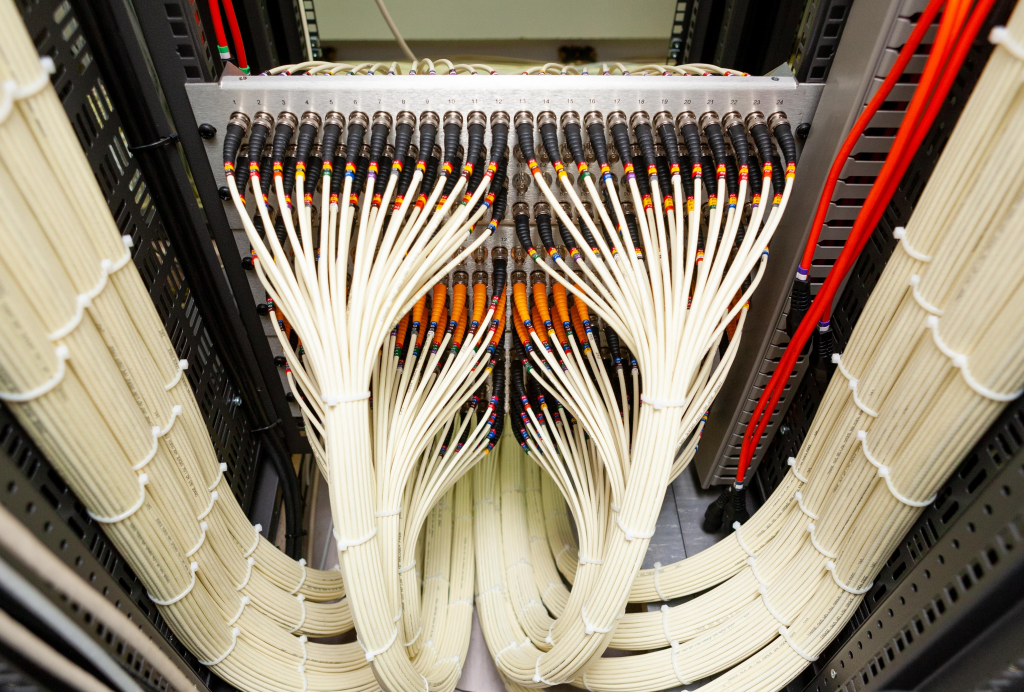
A well-chosen patch panel keeps your network fast, organized, and easy to expand — and Amerifiber makes it simple to find one that fits your exact setup. Whether you need a compact wall-mount enclosure for small installations or a high-density rack panel for large data systems, each Amerifiber product is built for reliability, flexibility, and long-term performance.
Every panel is engineered in the USA and backed by expert support, ensuring smooth installation and dependable operation for years to come.
If you’re ready to upgrade your fiber infrastructure or design a new system, our team can help you select the ideal panel, connectors, and accessories for your application.
Contact Amerifiber today to explore our full range of fiber optic patch panels and network solutions.